
Solar Energy
Home Energy Upgrade Payback: Simple and Discounted Methods
Calculate home energy upgrade payback with a clear baseline, net annual benefit and simple...
4 min

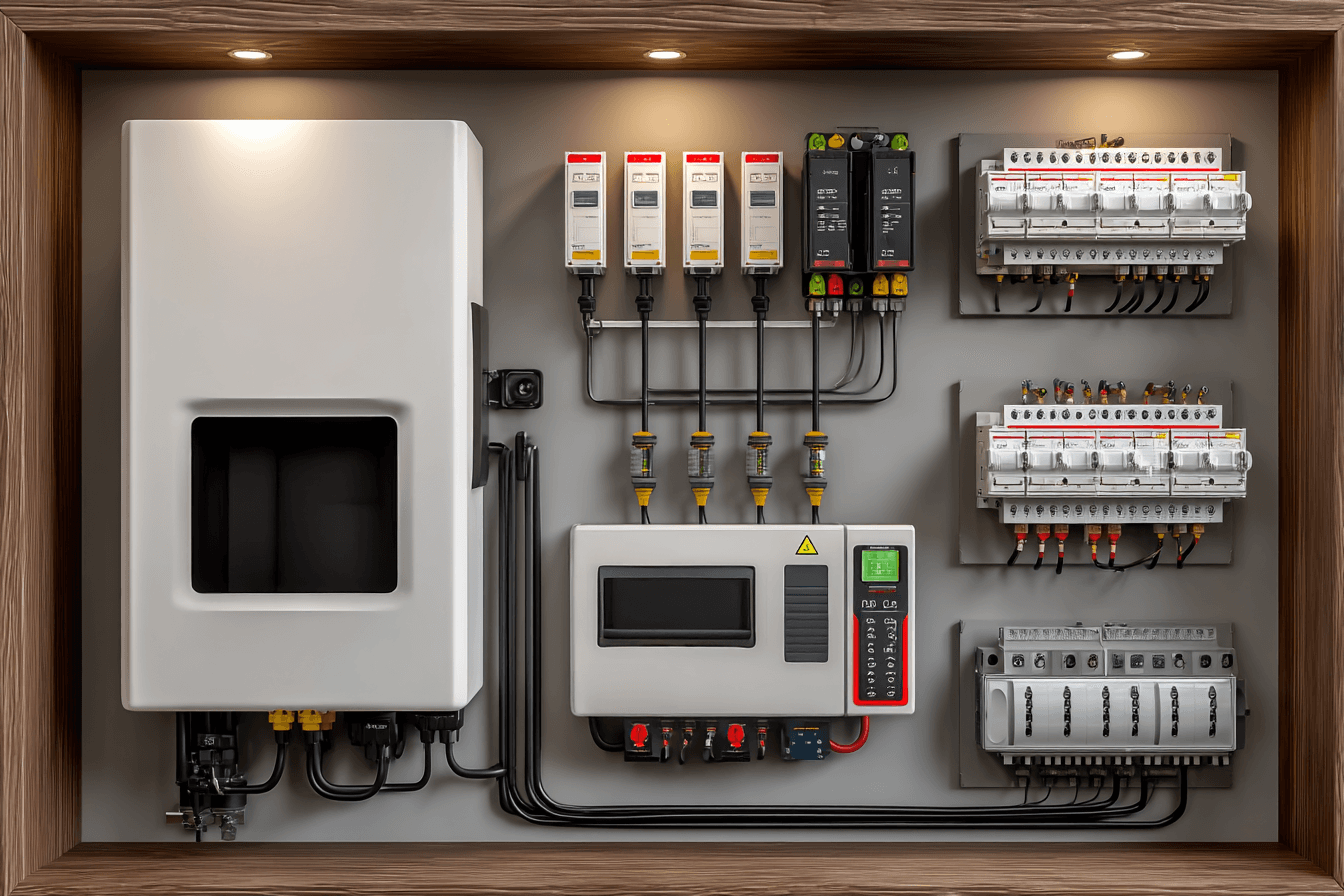
Review solar inverter firmware updates with a change record covering purpose, model compatibility, service access, affected functions and completion checks.
Solar inverter firmware updates should have a documented purpose, an authorized process and a completion check. For Canadian homeowners, the useful first step is to ask what changes on the exact installed model. Firmware is the software embedded in the equipment. It can govern operation, communications and protection functions. A “smart” inverter may offer advanced controls, but the functions available to you depend on the exact model, system design and approved configuration.
A software update is not a guaranteed production boost. Treat it as an equipment change with a documented reason, an authorized process and a way to confirm the system is operating correctly afterwards.
An owner's monitoring app may display production and alerts. Installer settings can control much more consequential behaviour. Do not copy a grid profile from another system, change export limits or disable protection functions to clear a fault.
Connection requirements come from the local utility and electrical authority. Standards or approvals used in another jurisdiction are not automatically sufficient. In Ontario, ESA publishes generation-related installation guidance; the installer should identify the actual requirements that apply to the proposed connection.
Ask for the manufacturer's release documentation where available. An unsupported promise that an update makes a system “battery ready” is not enough: battery compatibility may also require hardware, wiring, approvals and a different system configuration.
| Before the change | After the change |
|---|---|
| Equipment model, current version and reason for the update. | Installed version and recorded completion date. |
| Applicable release documentation and provider responsible. | Provider’s completion checks and unresolved findings. |
| Expected interruption and affected functions. | Observed restart, monitoring status and any persistent alert. |
| Approved configuration and any permissions required. | Confirmation that required settings remain appropriate. |
For example, SMA’s guidance for specified Sunny Boy Smart Energy models explains that automatic updates require an internet connection and can temporarily limit functions while the product restarts. That is a model-specific example, not a promise of the same timing or behaviour for every inverter.
Ask the provider what to expect and whom to contact if normal operation does not return. Do not interrupt an update or attempt a firmware rollback based on general online advice; the correct response depends on the manufacturer and actual condition.
Know which installer, manufacturer and service provider can access the equipment. Use individual accounts where supported, protect credentials, and update permissions after a contractor changes. Ask how monitoring and essential functions behave without internet service and whether any feature has a recurring fee.
Some equipment provides specific service-access controls. The SMA manual’s service-access section, for example, describes granting access for a defined duration. Ask which controls your own system supports and agree on access needed for support. Do not assume every platform uses the same permissions.
Keep the model list, commissioning configuration, utility permission and support contacts together. Request owner access to the monitoring data you expect to use. Document later changes in the same record.
If an inverter reports a persistent fault, share the code with the service provider. Do not open the enclosure, disconnect live solar wiring or experiment with firmware as a homeowner troubleshooting step.
Keep later software changes in the same project record, including which provider confirmed the grid-related configuration. A successful app login is not proof that every protection or export setting is correct. Ask for a documented technical check when the update affects those functions.
Calculate home energy upgrade payback with a clear baseline, net annual benefit and simple...

Assess Ottawa winter solar production with a monthly evidence sheet covering snow assumptions,...

Check net-zero building code claims against the locally applicable code, defined performance...